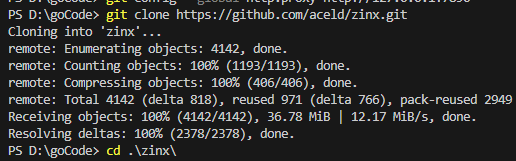
今天在使用VScode拉取项目的时候报错,“fatal: unable to access ‘https://github.com/aceld/zinx.git/‘: Recv failure: Connection was reset”,试了网上最常用的方法,
try 1
该方法也是最常见的方法,那就是在终端执行:
git config –global –unset http.proxy git config –global –unset https.proxy
但是依然没有用
- try 2
修改代理配置,完美解决
开启代理配置
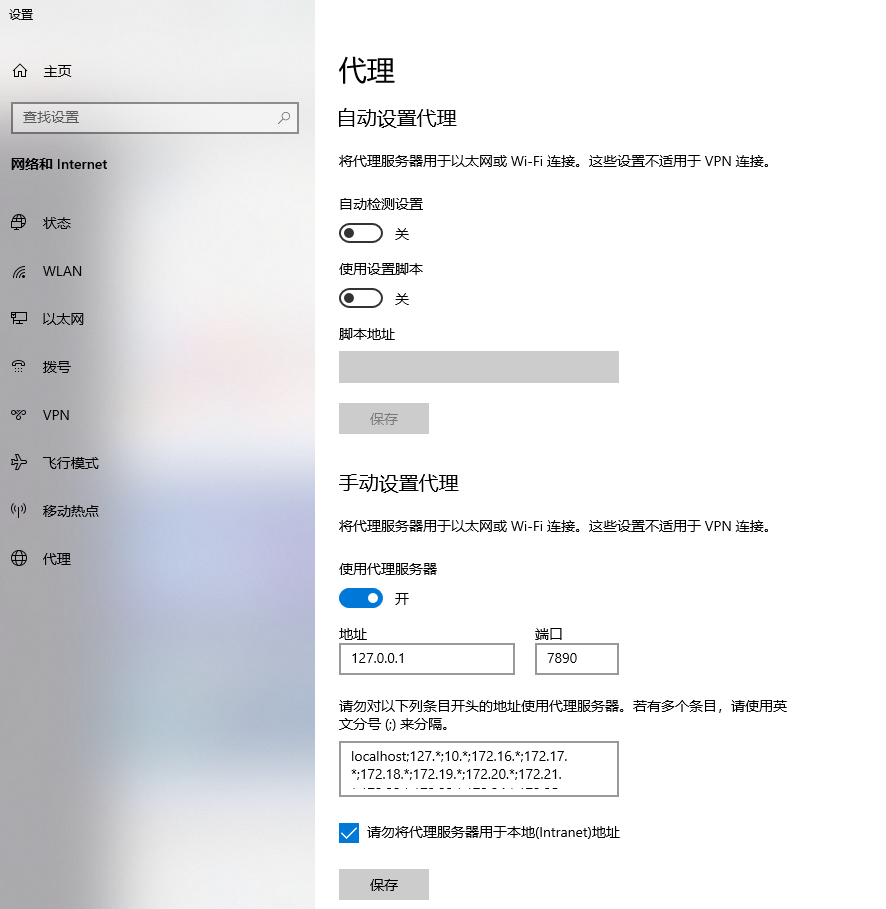
然后在终端输入下面的命令
```go
git config --global http.proxy http://127.0.0.1:7890然后就可以正常的使用了